Skip to content

Measurement Guide

Learn how to correctly measure the size of your models and display cases to
ensure a perfect display.

1. Model Measurement Guide

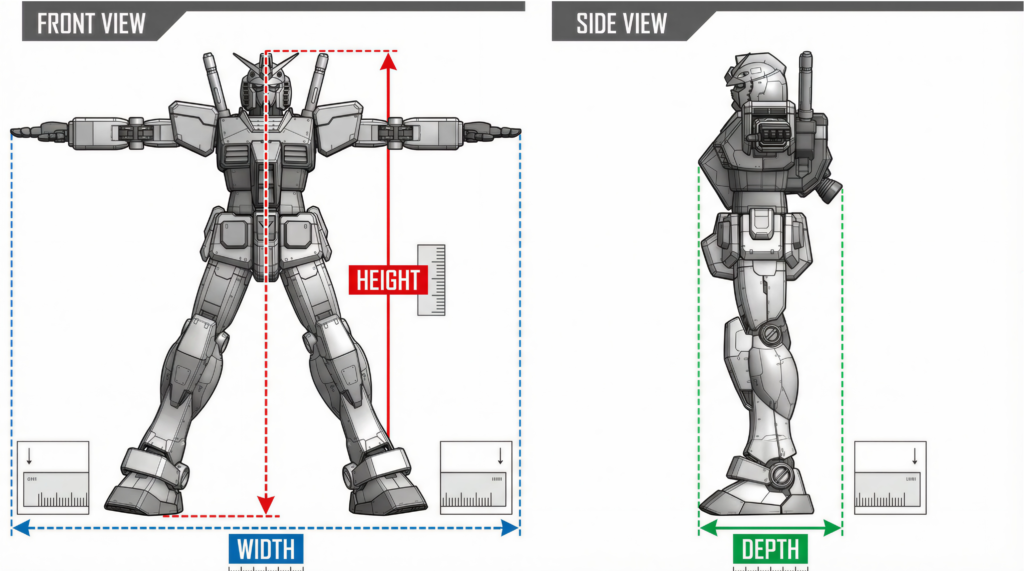
Schematic diagram of model measurement, showing how to measure height, width, and depth

Before measuring your model, ensure it is in its final display pose. | When measuring, note the highest point, widest position, and deepest position of the model. | Pay particular attention to weapons, wings, or accessories that may affect the actual space required.

Fully extend the model (arms and legs fully stretched out) and then measure with a ruler:

• Length (blue dashed line): Measure the widest part of the model from left to right

• Depth (green dashed line): Measure the deepest part of the model from front to back

• Height (red dashed line): Measure the highest point of the model from head to toe Once measured,

Add 5cm to each dimension to get the internal dimensions of the display case.

2. Display Case Measurement Guide

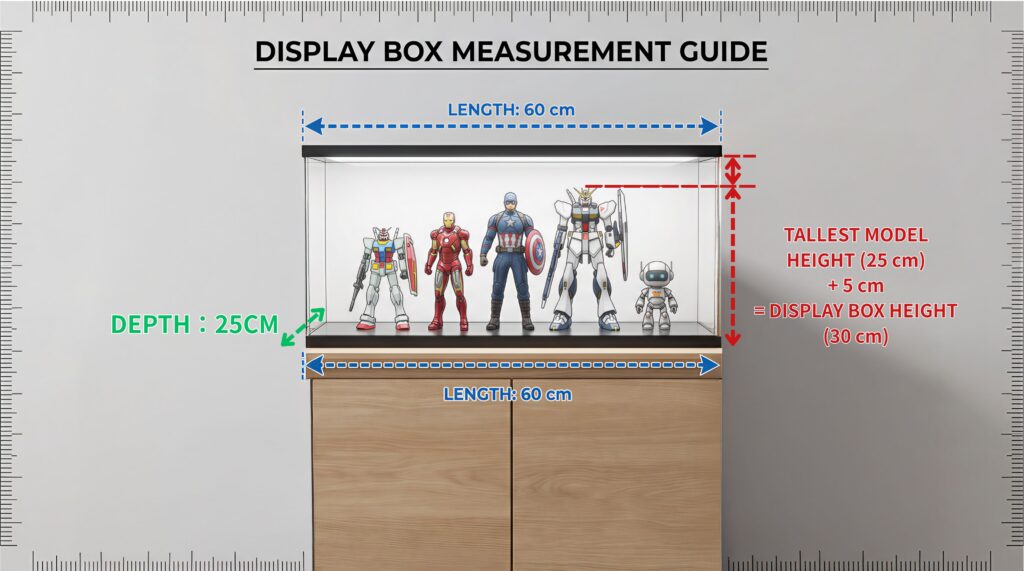
Display case size measurement tutorial, explaining how to calculate internal and external dimensions

The size of the display case should be based on the maximum dimensions of the model,
with at least 5cm of space reserved in the height direction
to ensure that there is no feeling of compression during display and to facilitate future model changes.

Measure the placement location of the display case (e.g., on top of a shoe cabinet):

• Length (blue dashed line): Measure the width of the placement location
• Depth (green dashed line): Measure the depth of the placement location
• Height (red dashed line): Use the height of the tallest model + 5cm = Display case height

Important note: If there are multiple models, be sure to use the tallest one to calculate the height of the display case!

3. Showcase Measurement Guide

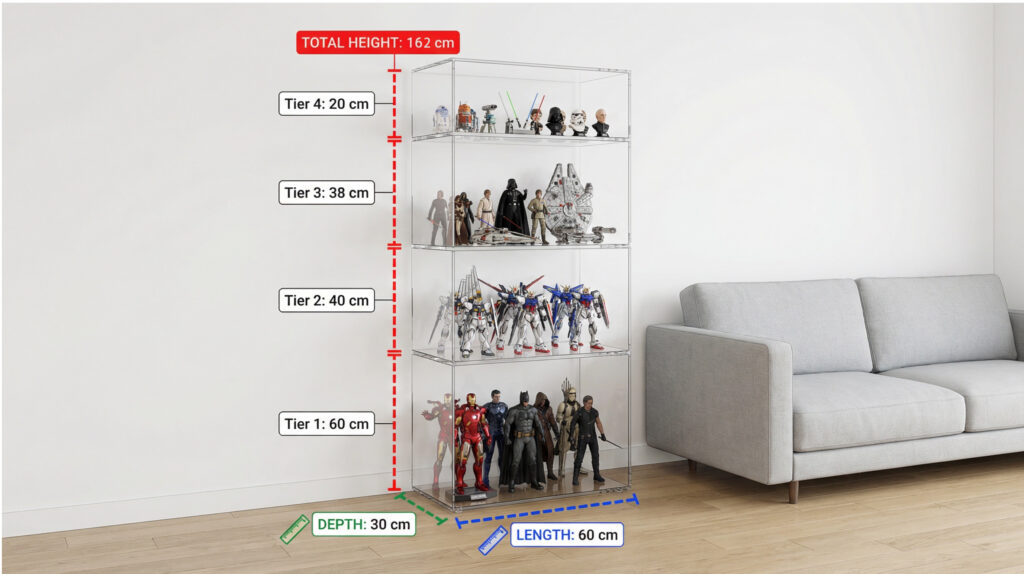
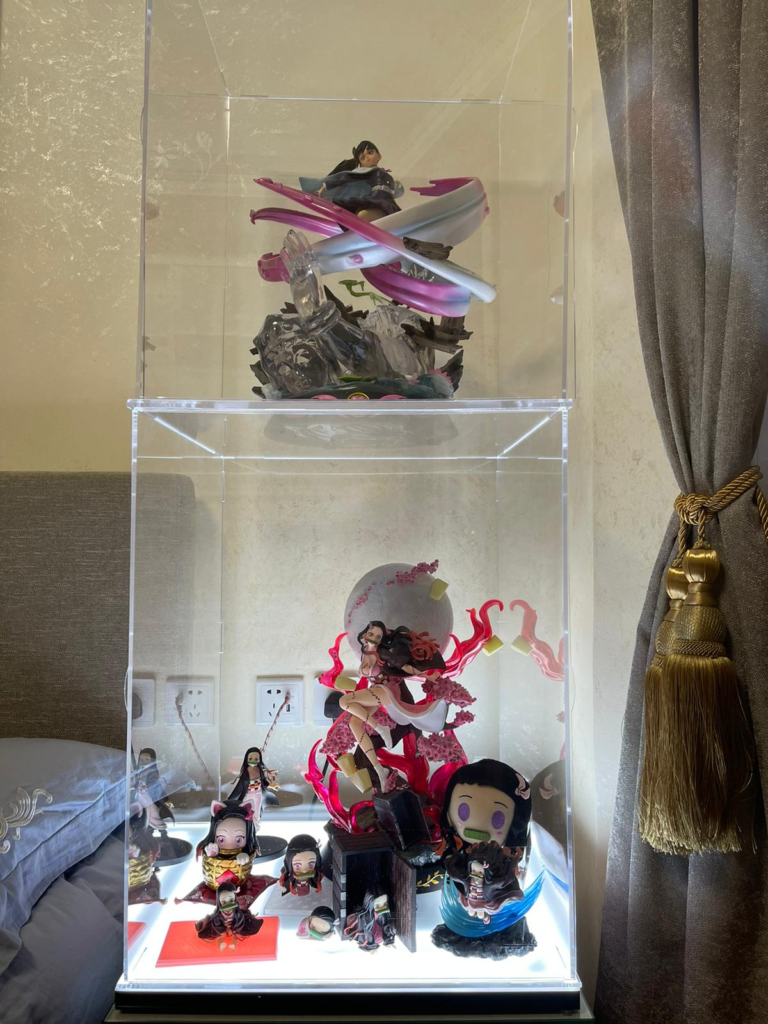
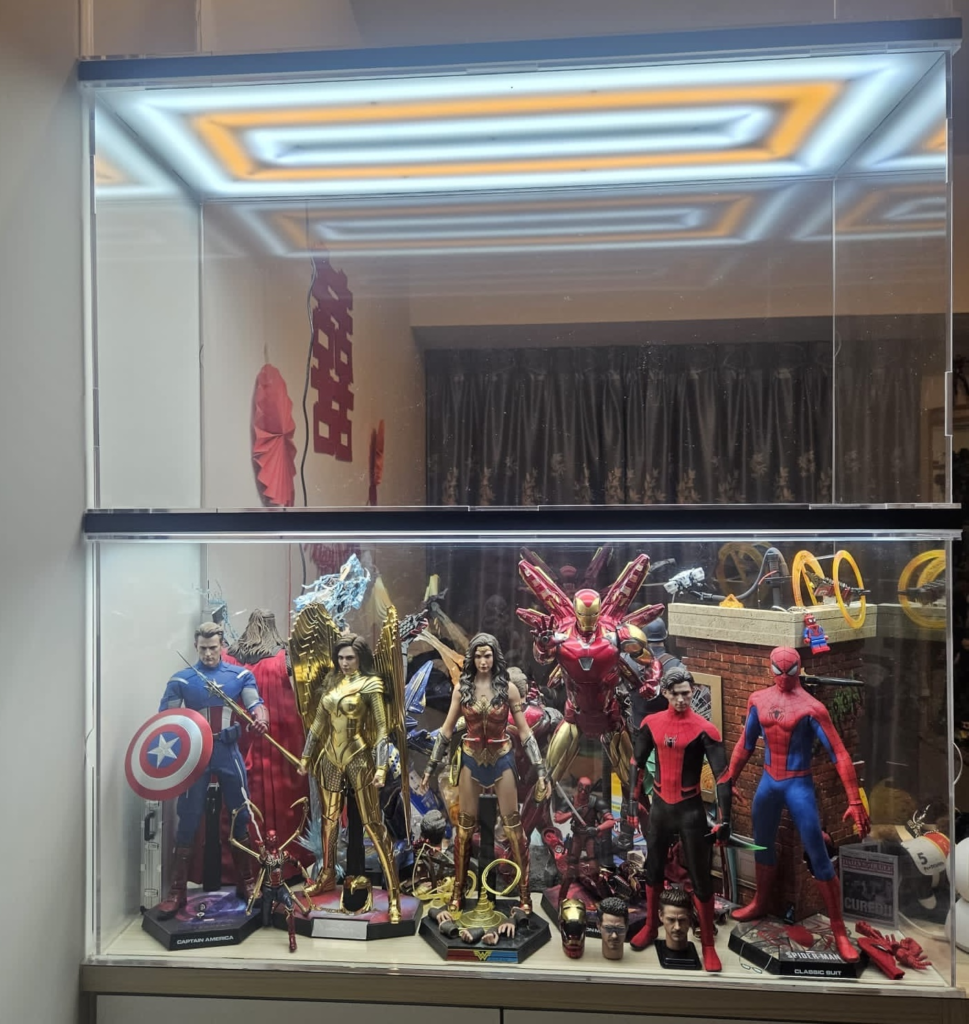
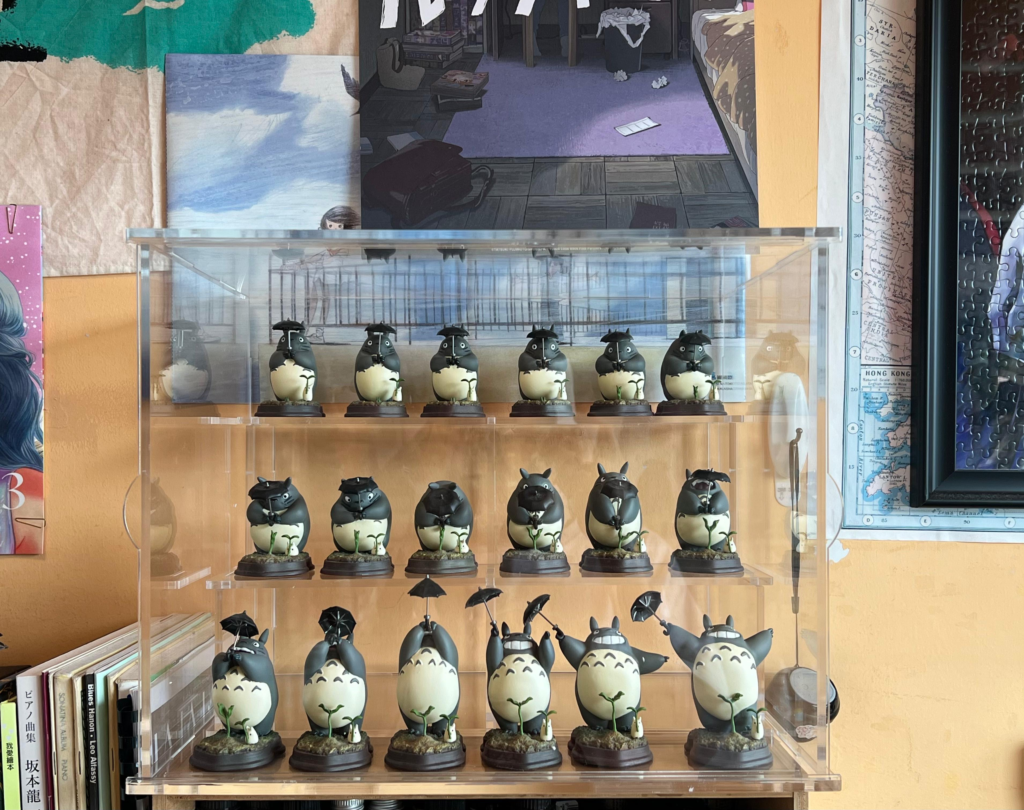
Schematic diagram of showcase height and number of layers, suitable for multi-layer model display

The showcase is made up of multiple stacked display cases,
and the height of each layer can be adjusted according to the type of model.
Before planning the showcase, it is recommended to first determine the placement location and the total height limit.

Measure the placement location of the showcase (e.g., next to a sofa):

• Length (blue dashed line): Measure the width of the placement location
• Depth (green dashed line): Measure the depth of the placement location
• Height (red dashed line): Each layer can have a different height (e.g., 60cm, 40cm, 38cm, 20cm)

The showcase is made of multiple display cases stacked together, so the height of each layer can be freely adjusted according to your needs.

4. Size Calculator

Enter your model dimensions and the system will automatically calculate the internal and external dimensions of the display case.

Enter model dimensions (unit: cm)

The following size calculator can help you quickly estimate the required display case size.
Simply enter the length, depth, and height of the model,
and the system will automatically suggest suitable internal and external dimensions for the display case.

Display Case Size Calculator

5. Accessory Guide

Different accessories will affect the overall visual effect and size requirements of the display case.
The following is a brief introduction to common accessories to help you make a choice based on your collection style.

No Light

No light panels are installed, and the display case maintains a simple design.

Top Light

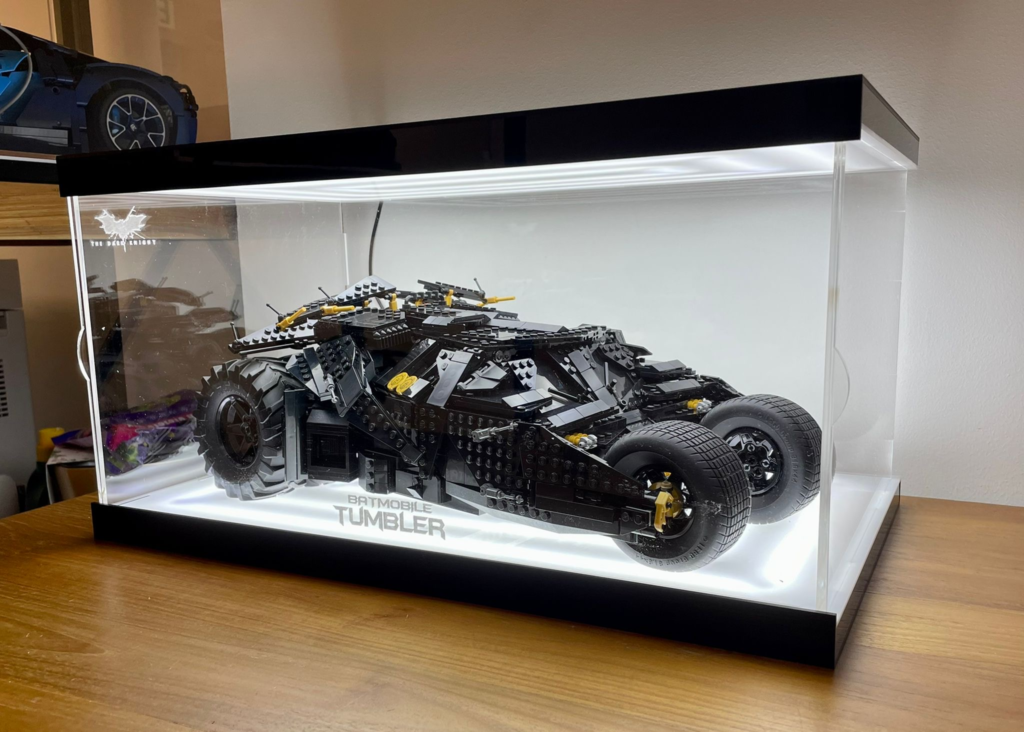
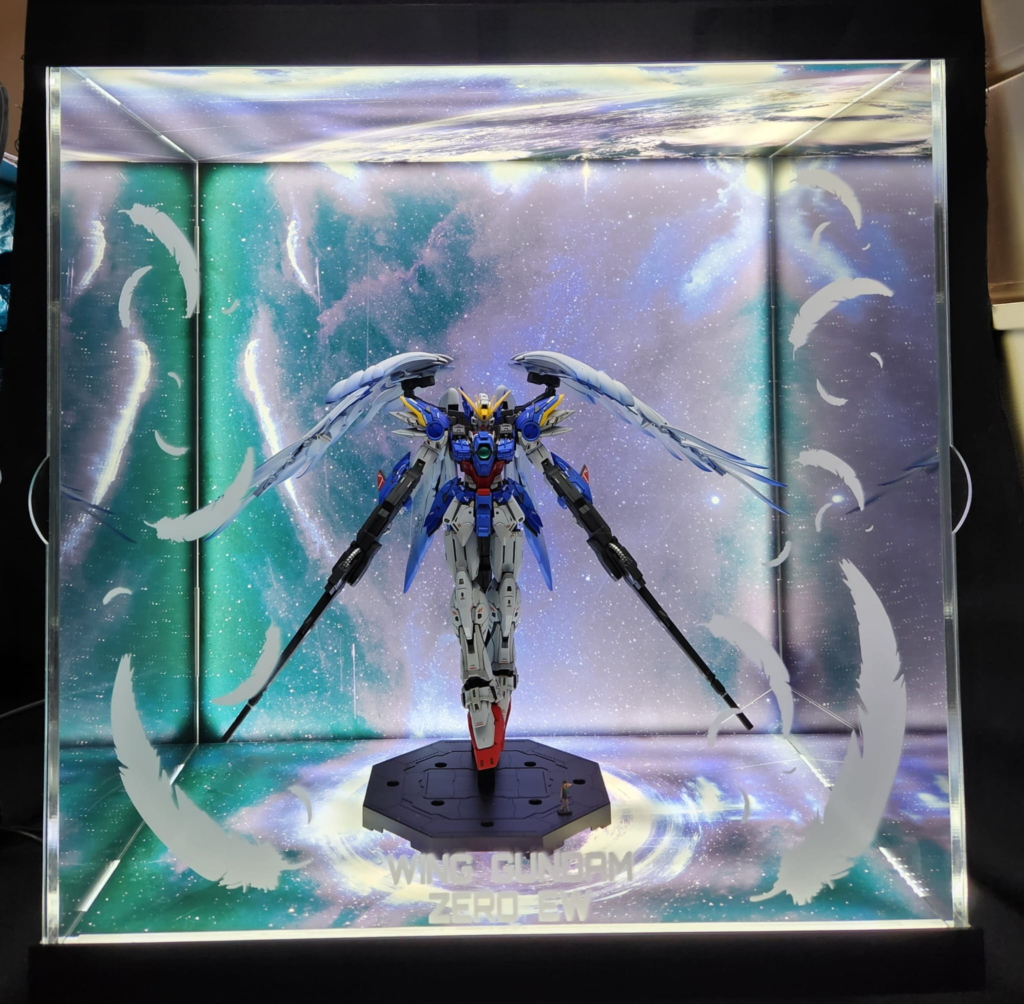
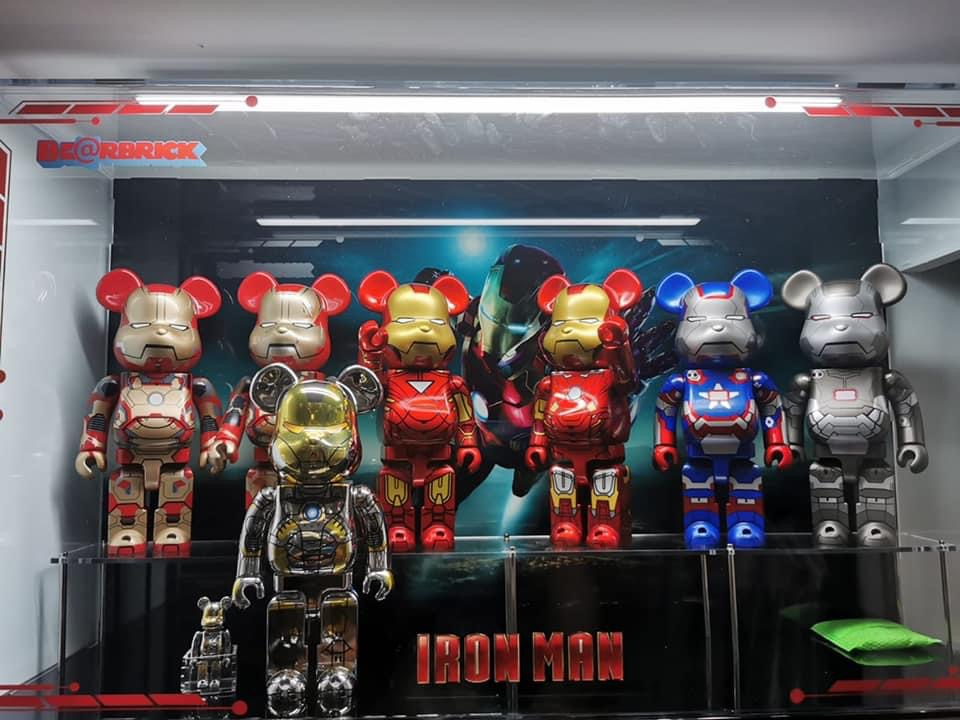
LED light panel installed on the top of the display case.

This is an independent light panel that can also be used as a bottom light. The switch is by default on the right side of the light panel.

Bottom Light

LED light panel installed on the bottom of the display case.

This is an independent light panel that can also be used as a bottom light. The switch is by default on the right side of the light panel.

Top and Bottom Lights

LED light panels are installed on both the top and bottom of the display case.

Backlight

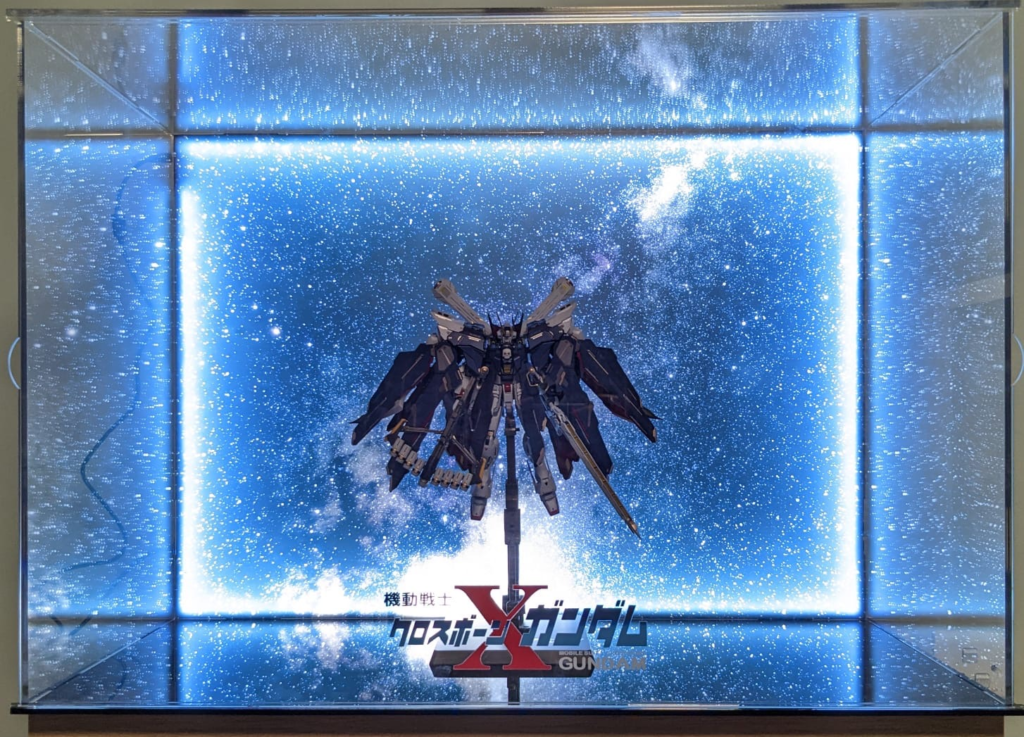
LED light panel installed on the back of the display case.

Must be used with a background to create a special effect.

Top and Bottom Backlights

LED light panels are installed on the top, bottom, and back.

Background

Simple background panel for setting off the model.

Mirror

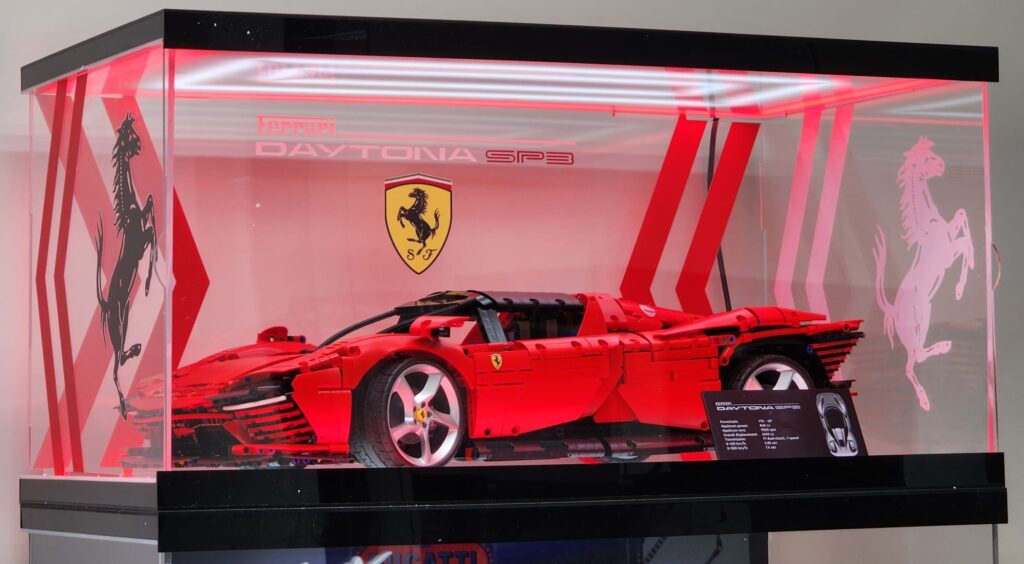
Mirror back panel, reflecting light and models, increasing display depth and visual effect.

White Lettering

Engrave white text on the display case.

Colored Lettering

Engrave colored text on the display case.

Stairs

Stair accessories inside the display case are suitable for displaying multi-layered models or creating a three-dimensional display effect.

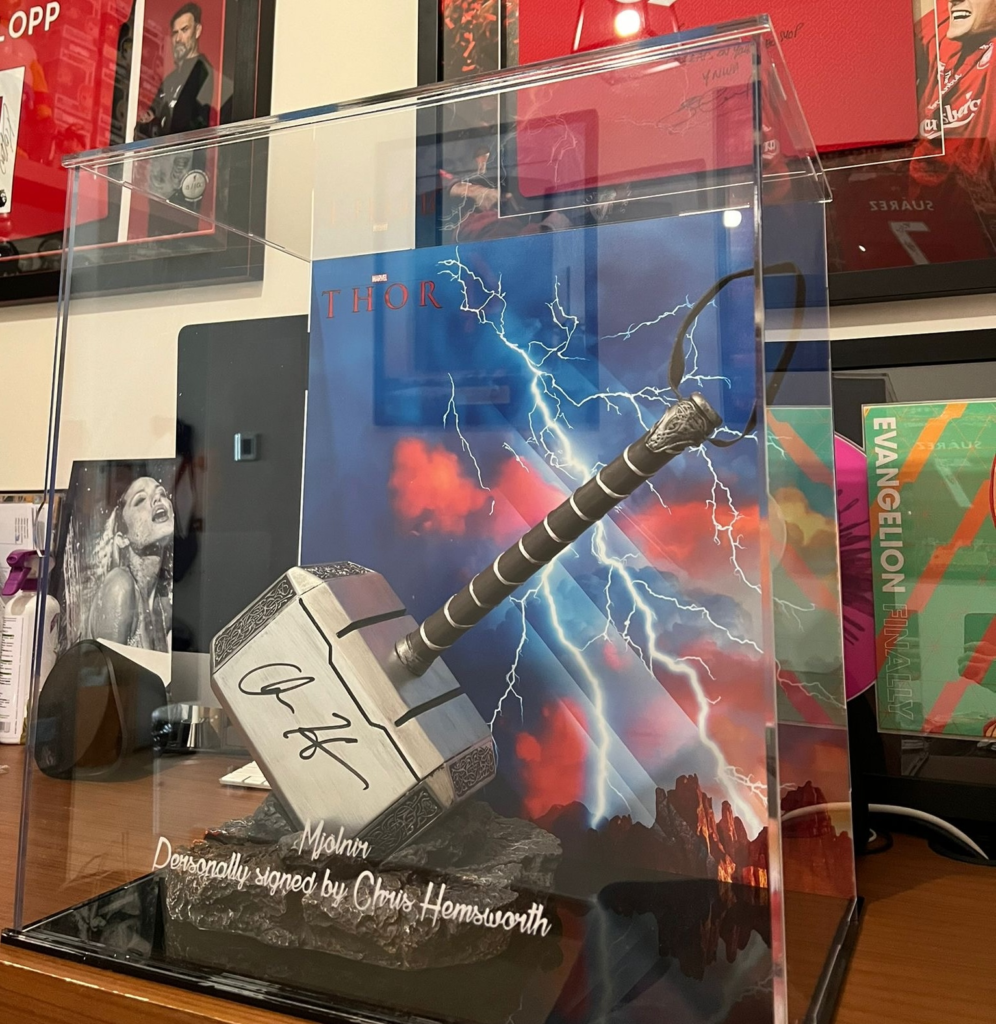
Sliding Door

Sliding Door

Suitable for any display case or showcase

Magnetic Door

Magnetic Door

Suitable for display cases

FAQ

Which part of the model should I measure?

Base the measurement on the “most prominent position” of the model, including the outermost accessories (such as weapons, wings, and base protrusions) to ensure that there is enough internal space in the display case.

Yes, you can. Quotations and production are generally based on “internal dimensions” (i.e., the actual space for placing the model). You can also use the “Size Calculator” on this page to calculate the external dimensions from the internal dimensions.

It is generally recommended to leave about 5-10cm of space on all three sides to make the placement more comfortable, the visuals better, and to facilitate future fine-tuning.

Display cases and showcases (length and depth) are usually measured by the placement location, and the height must take into account the height of the model + 5-10CM, while for showcases, the height of each layer must be determined.

You can measure it once according to the tutorial on this page, and then send photos and size information to us via WhatsApp, and we will help you confirm it a second time to reduce errors.

Generally, production and delivery take approximately 45 business days (calculated from the date of payment confirmation).